
EPUBs, PDFs and documents
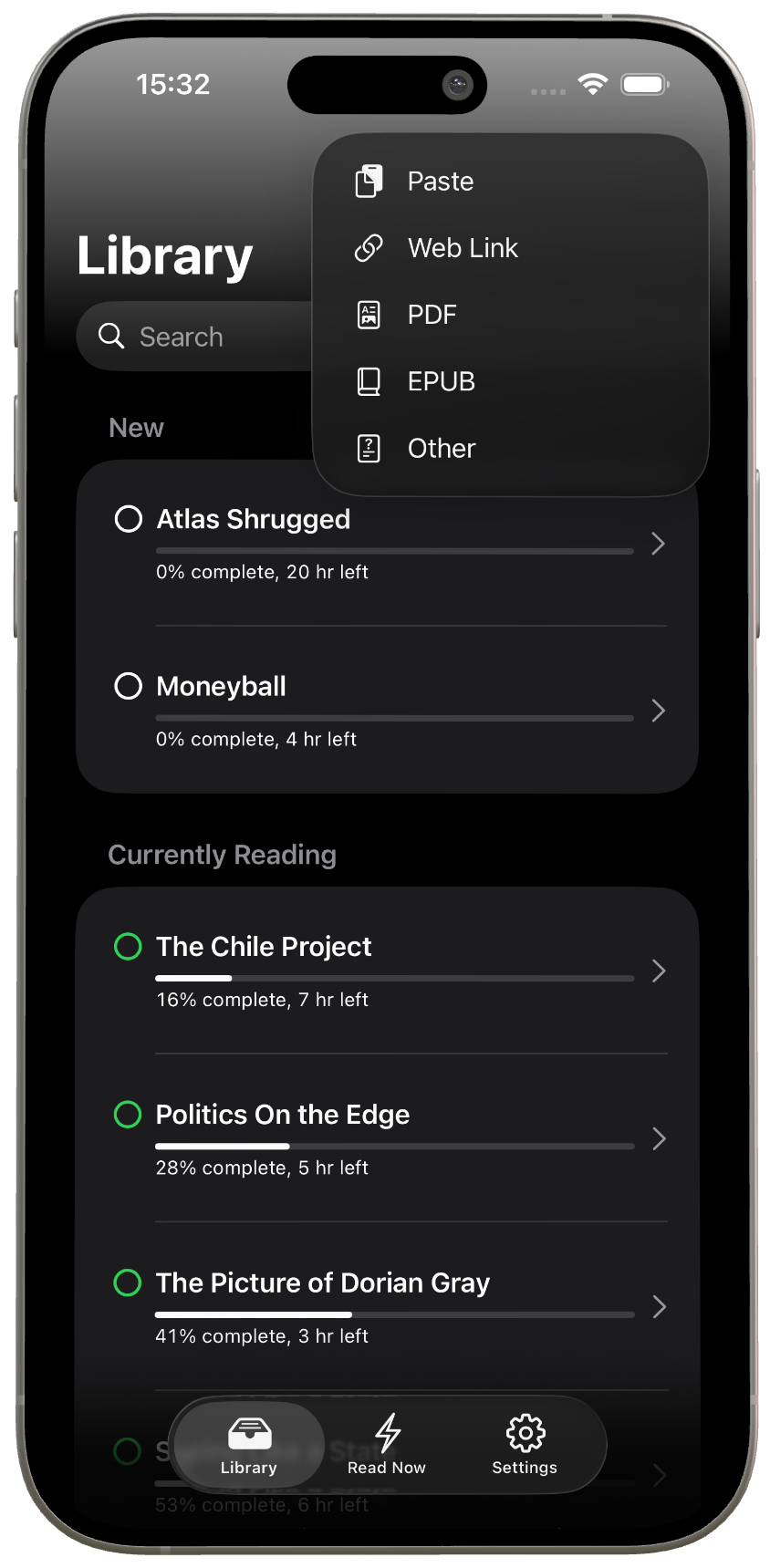
Import books, PDFs, EPUBs and long documents, then move through them in the ReadMaxx reader.
RSVP reader for iPhone and iPad
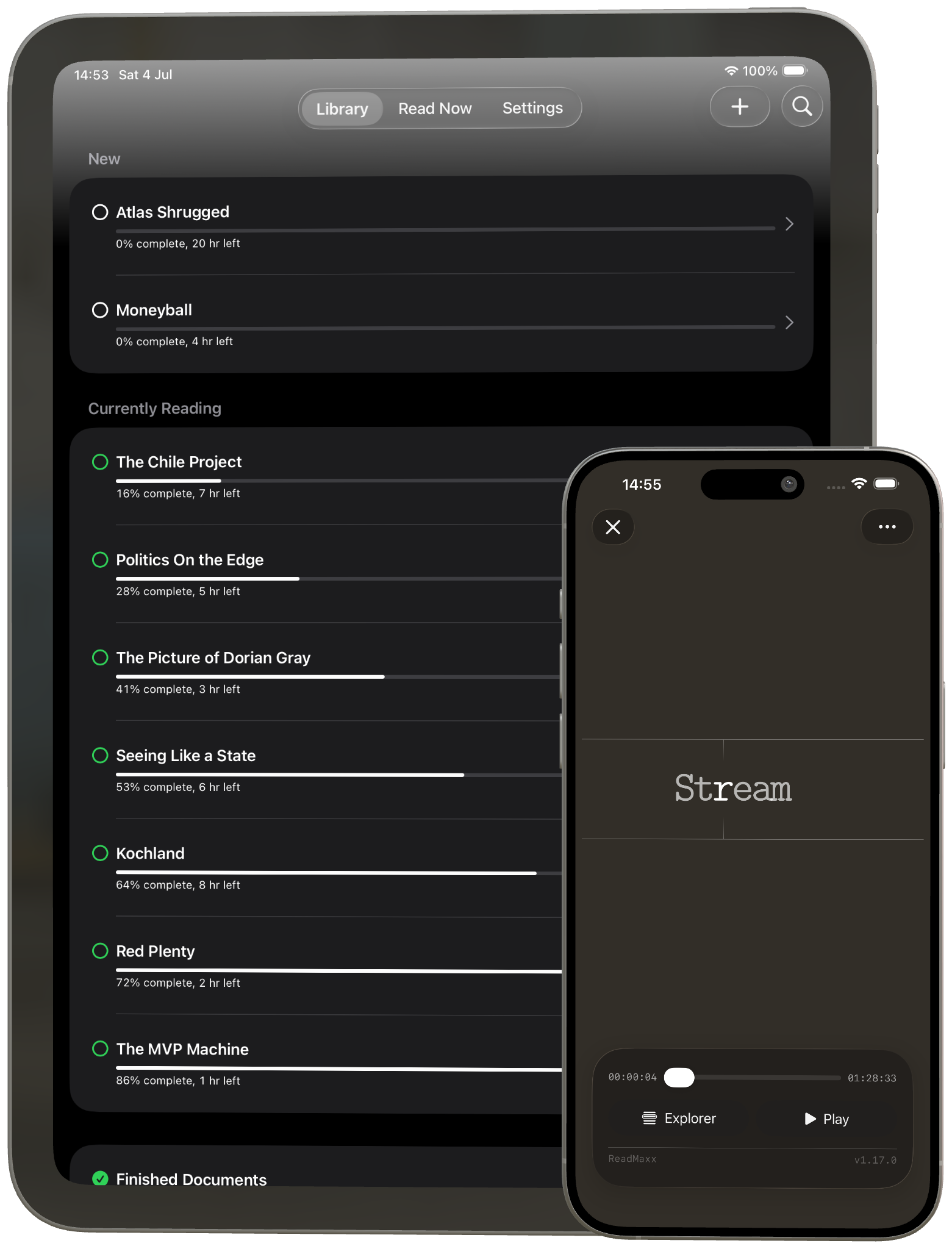
ReadMaxx uses rapid serial visual presentation to help you move through books, PDFs, EPUBs, web articles and pasted text one word at a time.
It's time for a new method
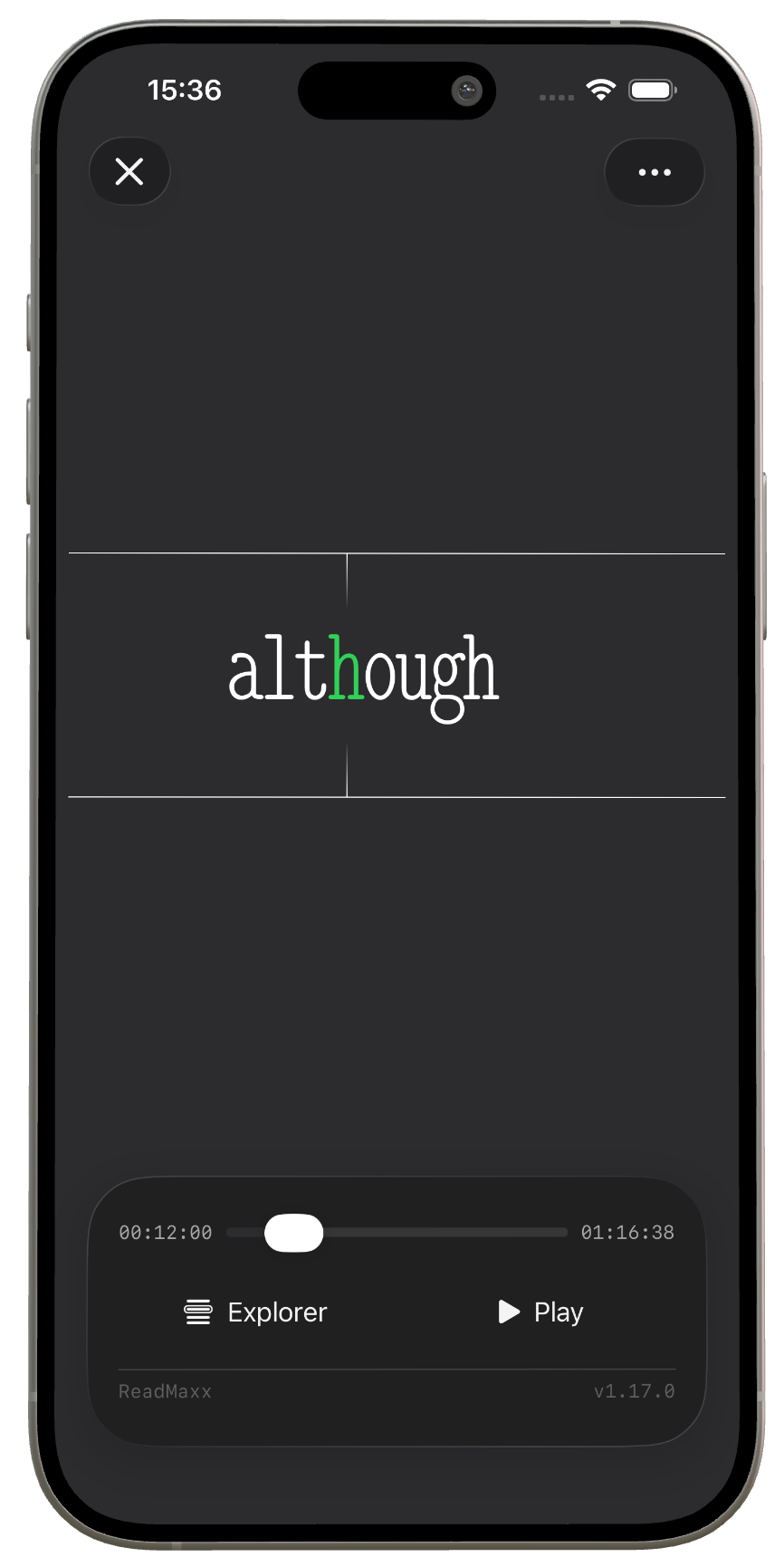
ReadMaxx uses rapid serial visual presentation allowing you to to keep your focus in one place.
Import anything
Books, PDFs, EPUBs, web articles, pasted text and long documents — bring them into ReadMaxx and read them one word at a time.
Import books, PDFs, EPUBs and long documents, then move through them in the ReadMaxx reader.
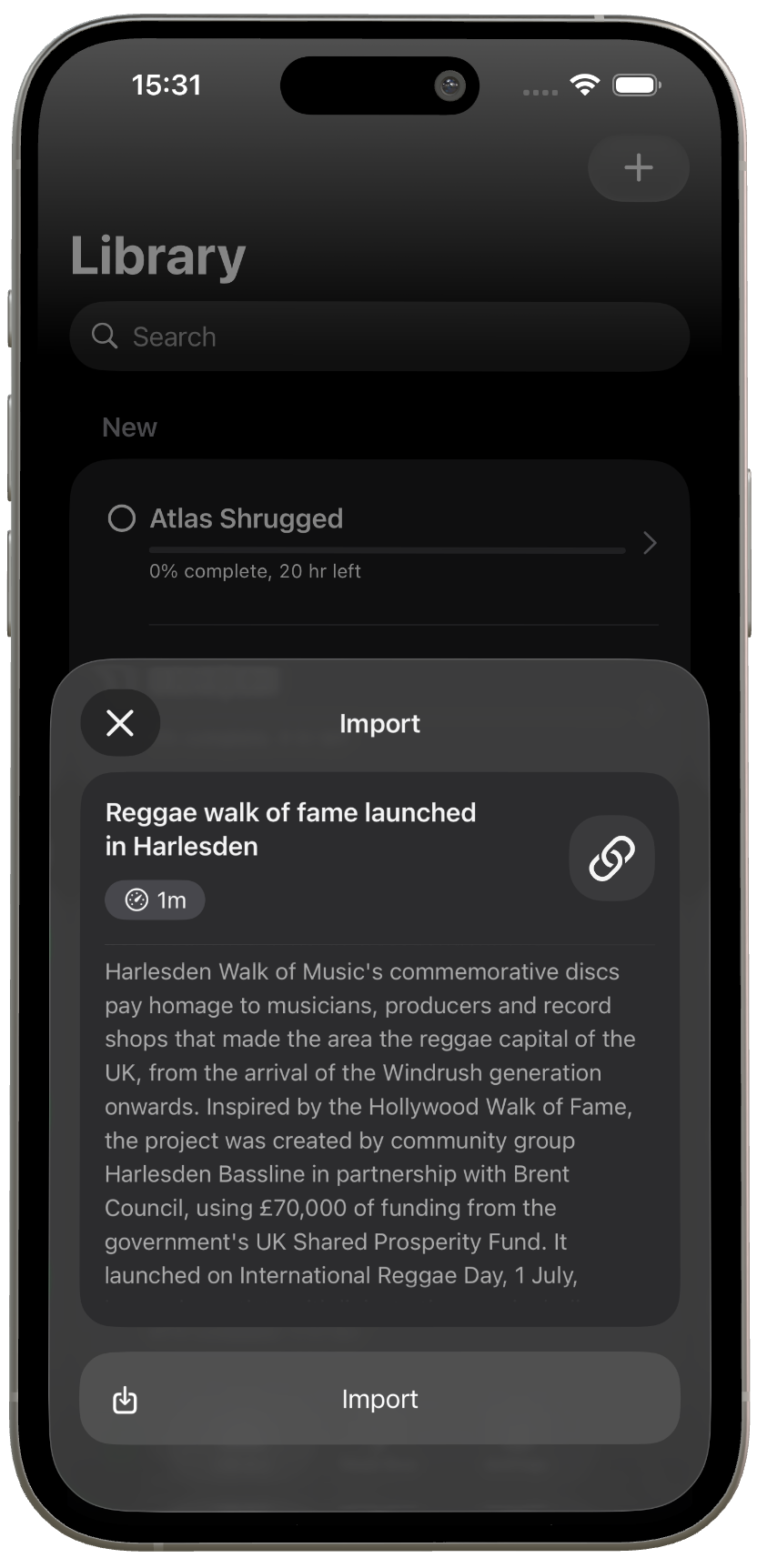
Open web links or paste text directly, then read saved articles and loose text in the same focused RSVP stream.
For books and long-form reading.
For documents, papers and dense text.
For links, saved articles and online reading.
For anything you can copy.
Stop leaving things scattered across tabs, files and saved links. Bring the text into ReadMaxx and start moving through it.
Reader customisation
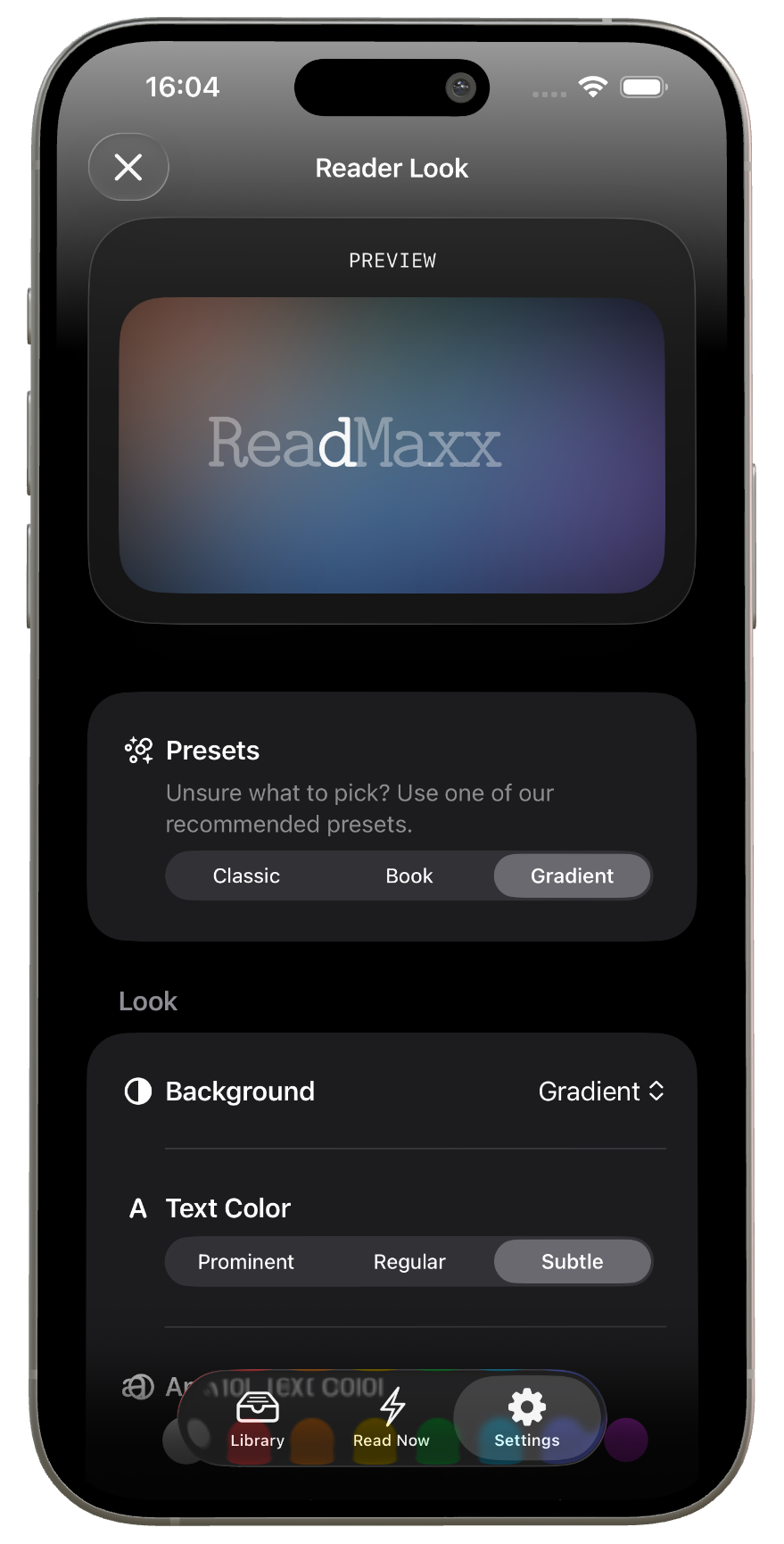
Tune the reader's look and timing so it fits your eyes, your focus and the text in front of you.
Choose visual presets, background styles and text colour so the reader feels comfortable for your eyes.
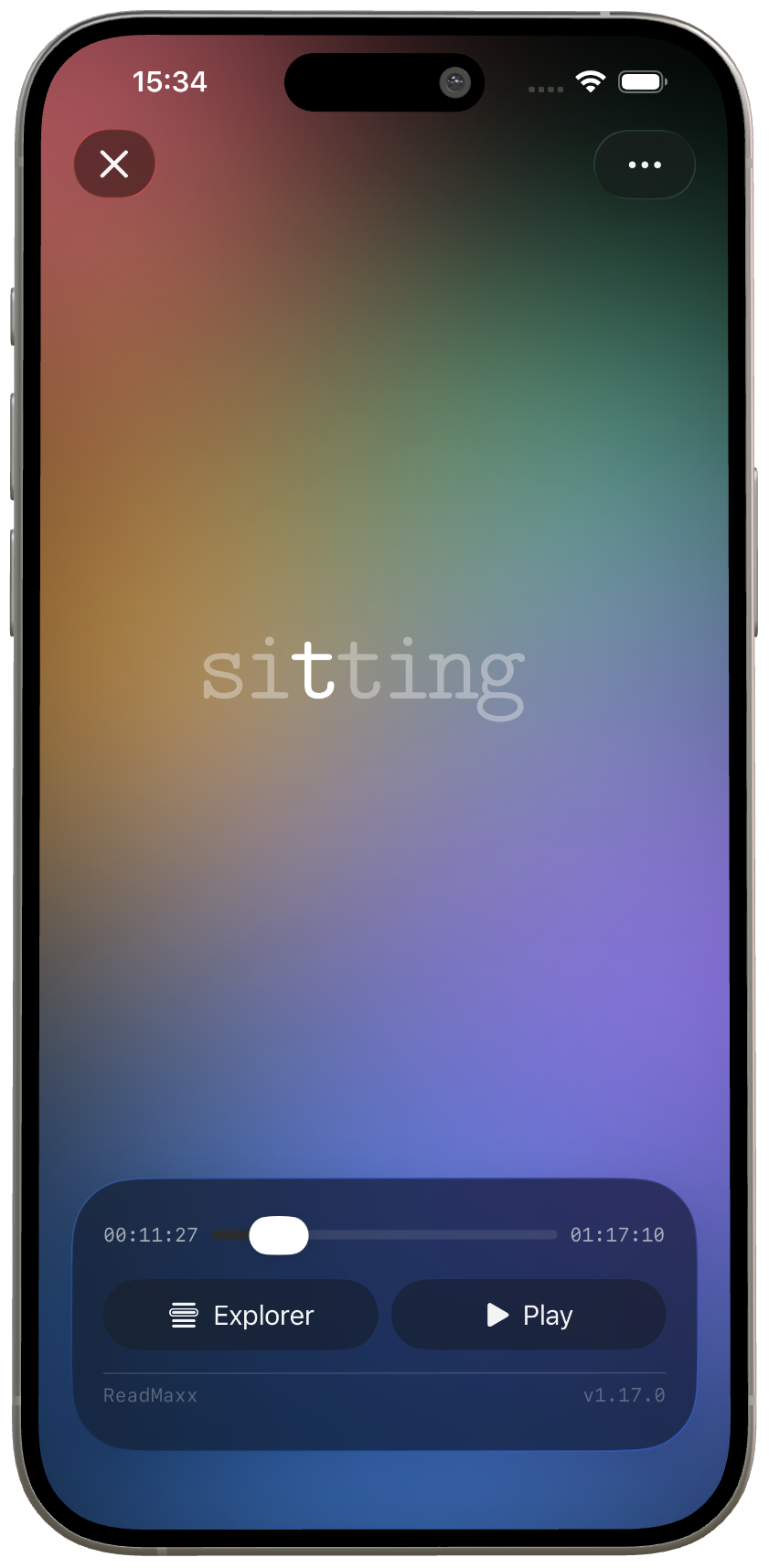
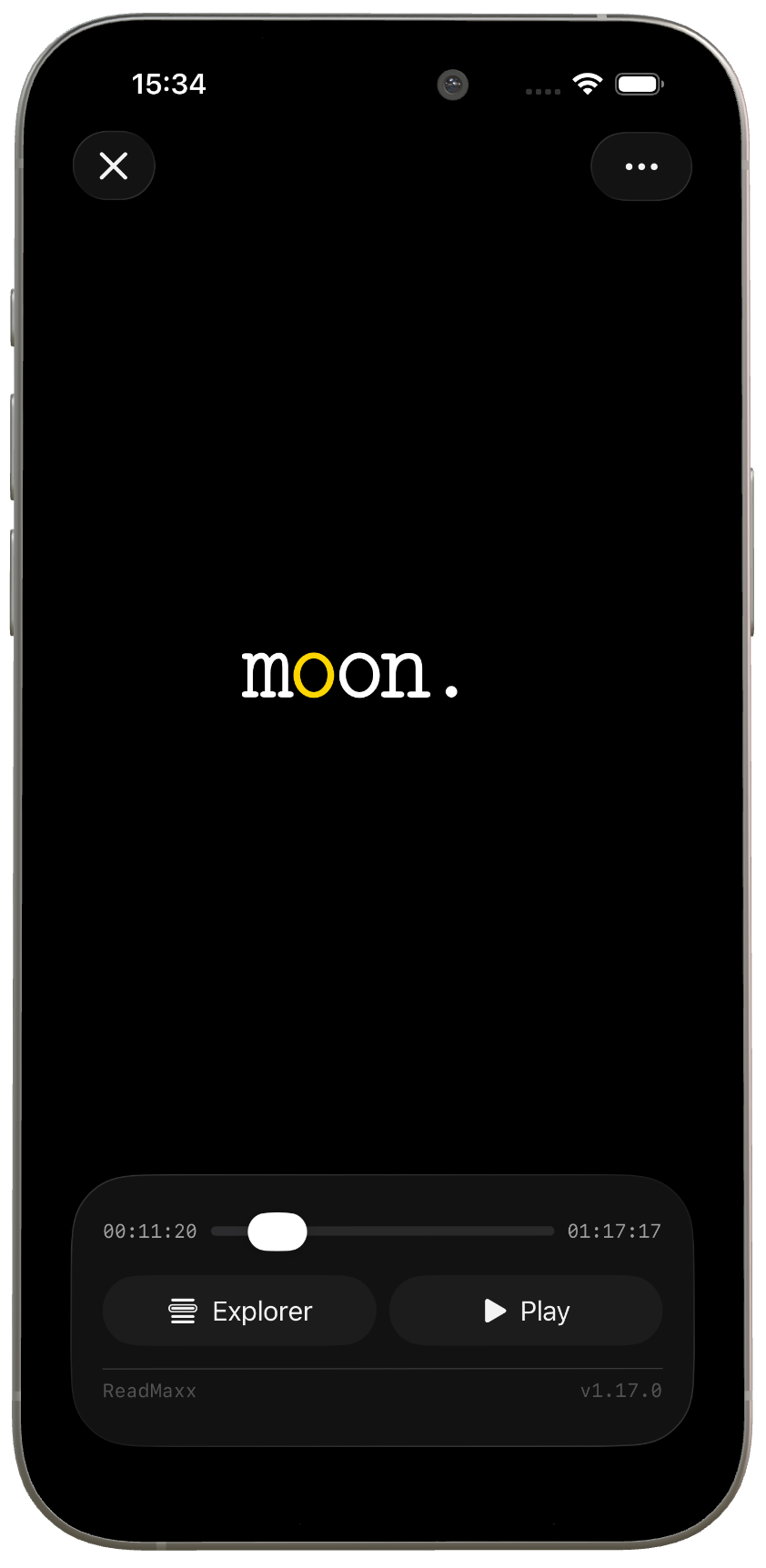
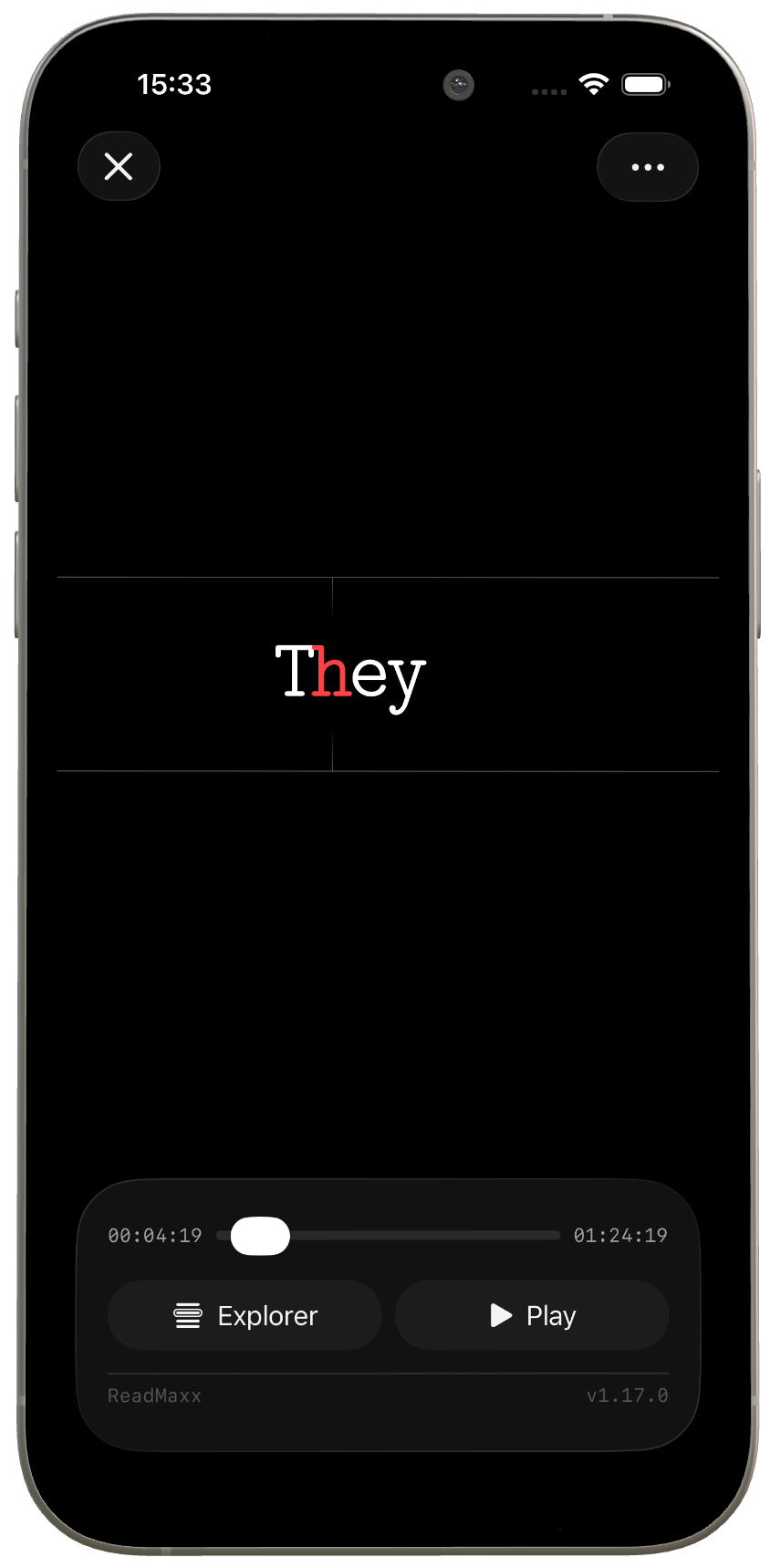
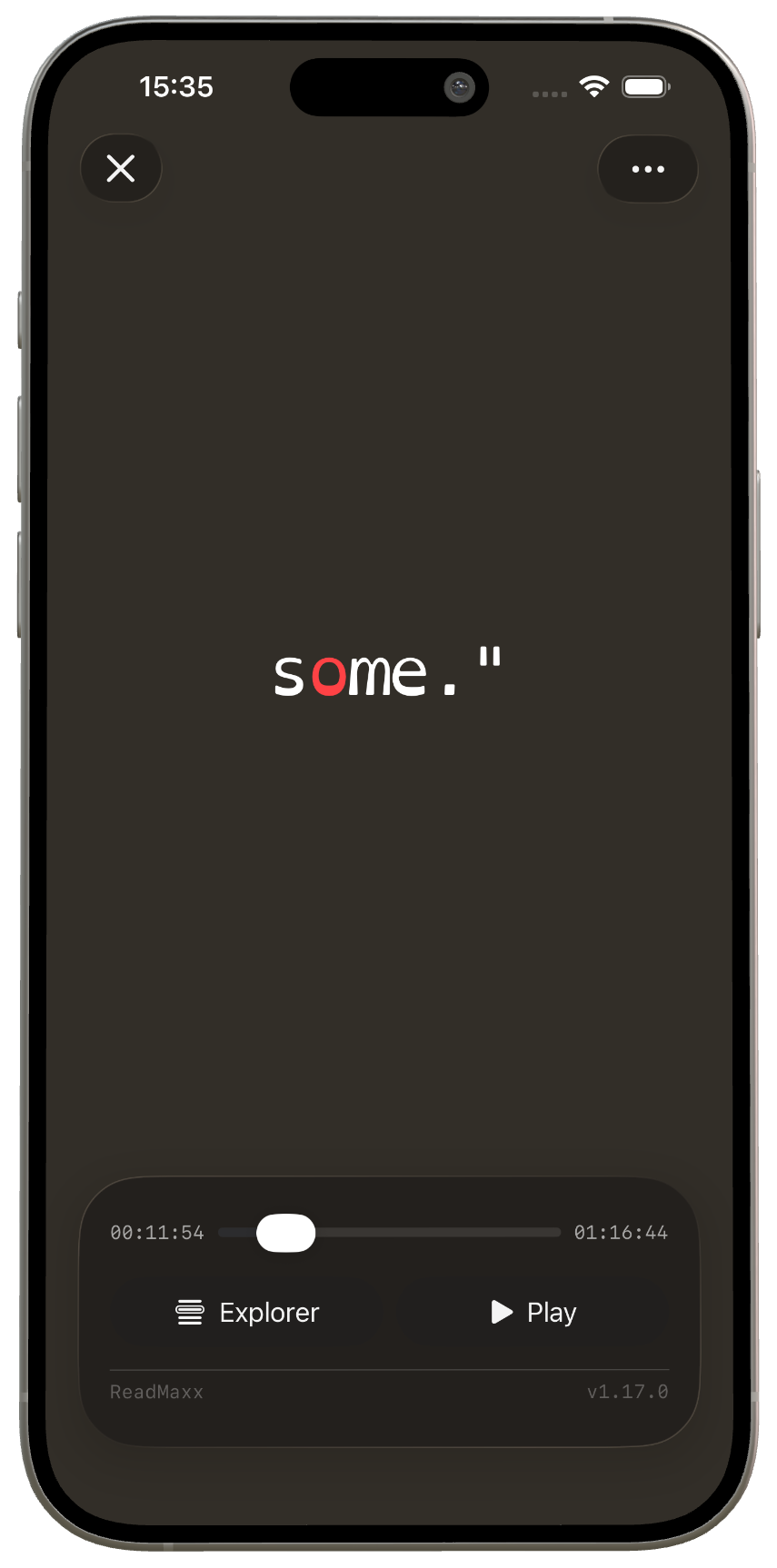
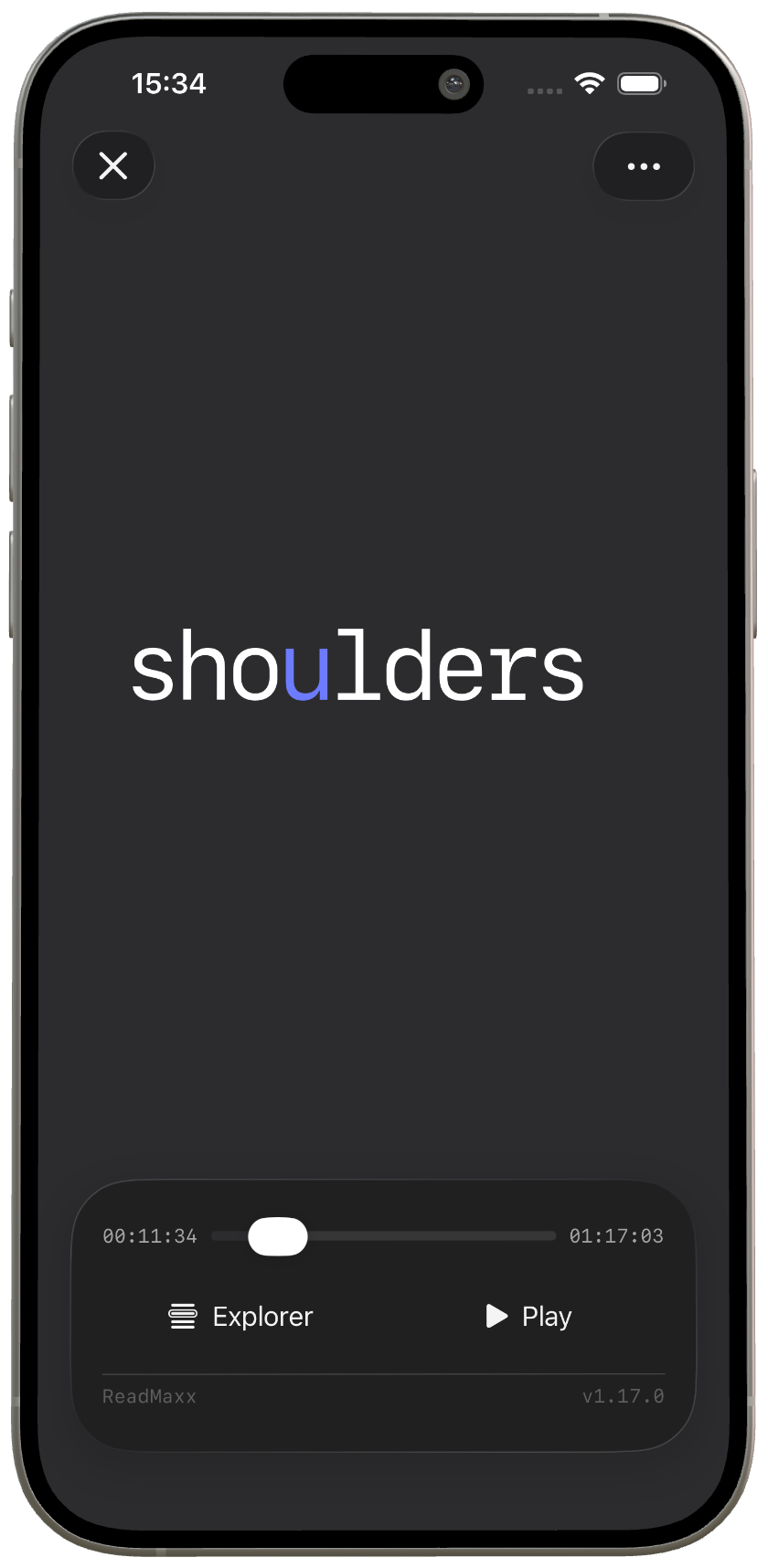
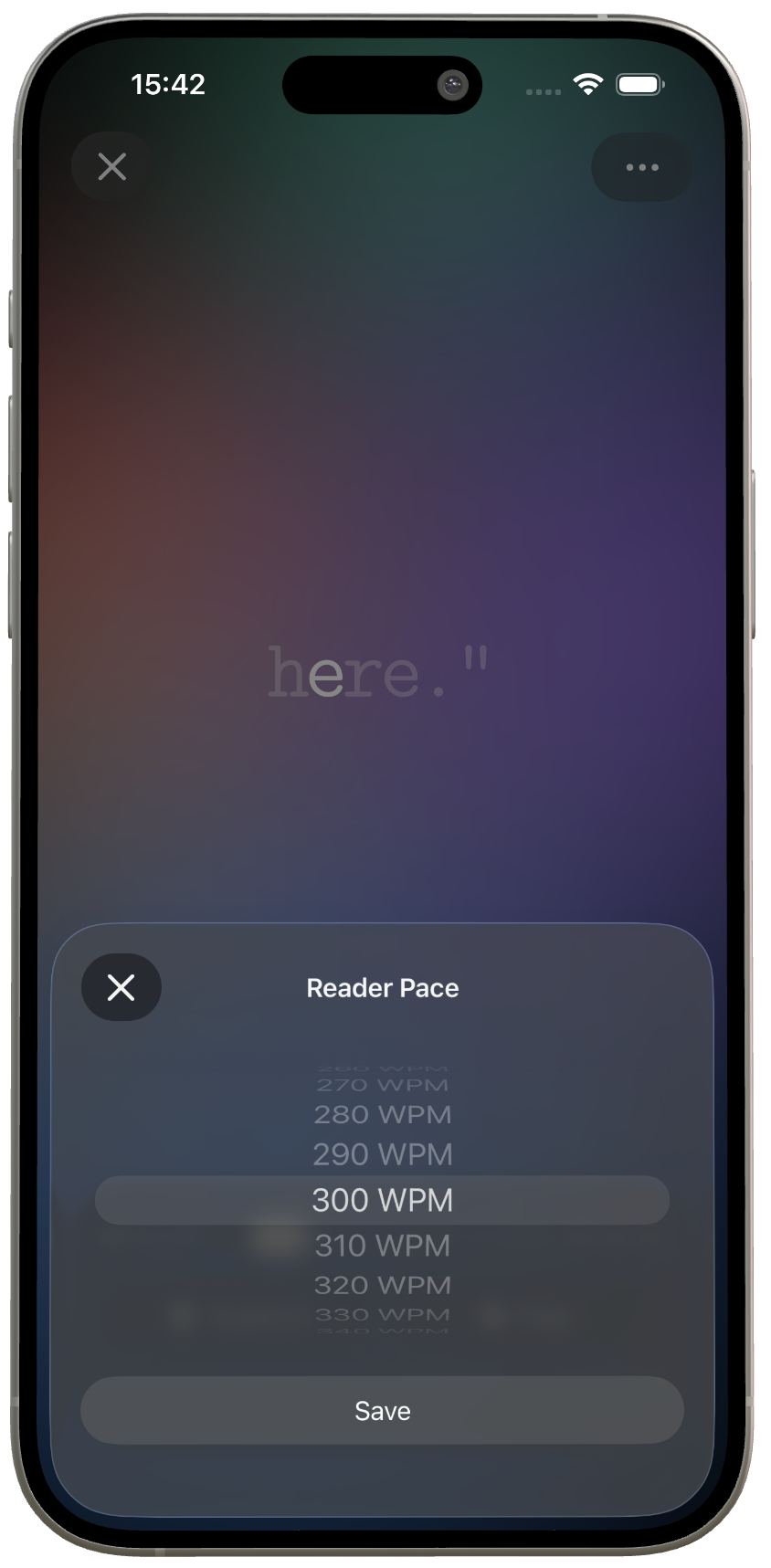
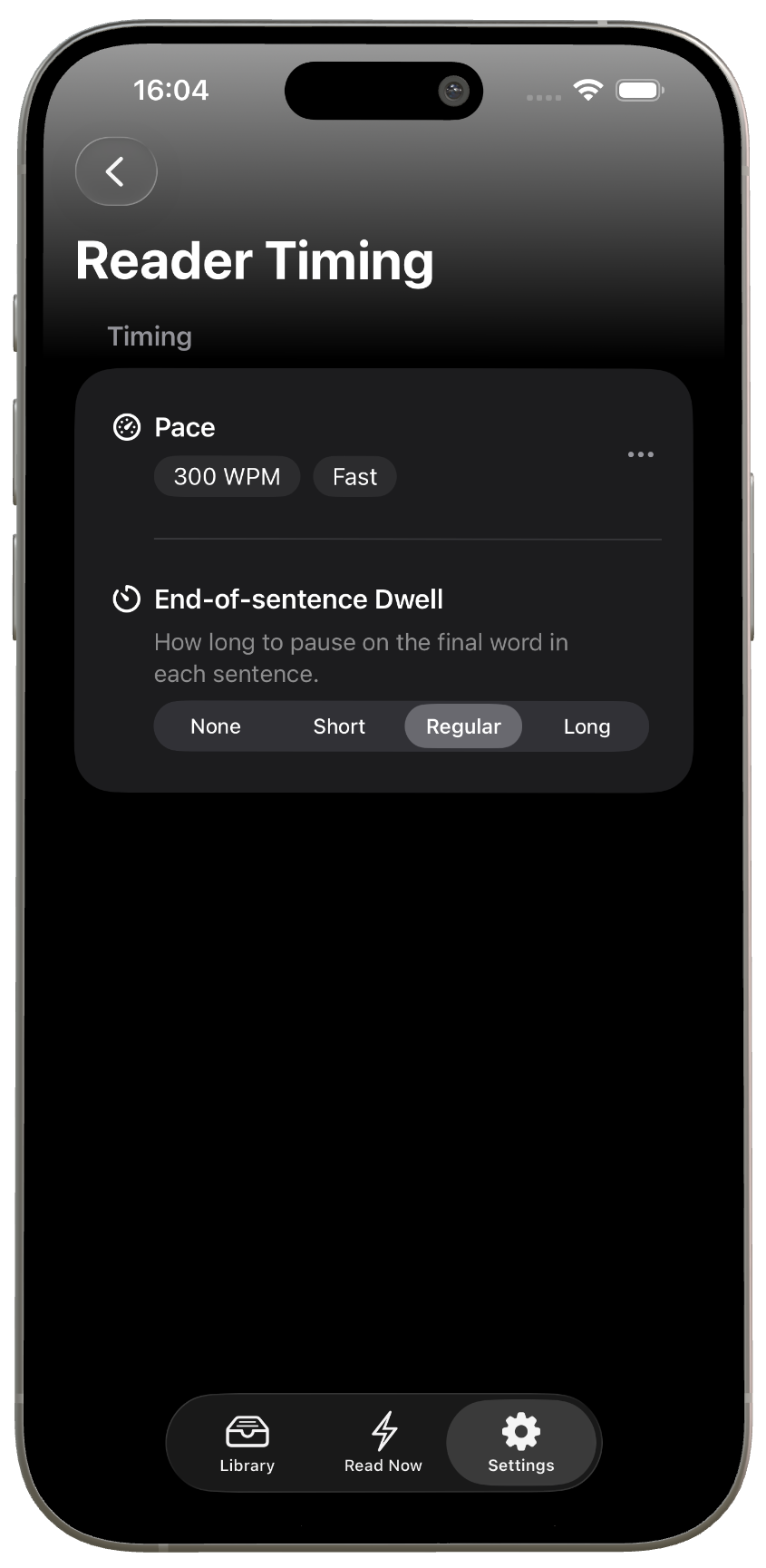
Adjust words per minute, timing and sentence dwell so the reader matches the material, from careful reading to faster momentum.
Use cases
ReadMaxx is for the books, articles and documents already waiting for your attention.
Import PDFs and move through long documents in a focused reading stream.
Turn books into a word-by-word reader built for steady momentum.
Bring EPUB books into ReadMaxx and keep progress moving on iPhone.
Import web links and read the article text in a cleaner format.
Slow down for dense sections, then pick up the pace when the text opens up.
Use Content Explorer to jump around and keep your place.
Bring in the links you meant to read and make visible progress.
See what is waiting, choose a pace, and keep going.
Set words per minute around your focus, mood and material.
Choose a reader style that feels comfortable for your eyes.
FAQ
Short answers for the formats, devices and reader controls people usually ask about.
Yes. ReadMaxx is a speed reading app built around focused word-by-word reading.
Yes. ReadMaxx supports PDF import so you can turn long documents into a focused reading stream.
Yes. ReadMaxx supports EPUB import for books and long-form reading.
Yes. You can import web links and read articles in ReadMaxx.
Yes. You can paste text directly into ReadMaxx and read it in the focused reader.
Yes. ReadMaxx supports iPhone and iPad.
Yes. You can adjust the reader pace so ReadMaxx fits the text you are reading, whether you want slower focus or faster momentum.
Yes. ReadMaxx includes reader customisation so you can change the reading experience to feel comfortable for you.
Yes. ReadMaxx lets you adjust the reader look, including visual presets, background style and text colour.
Yes. ReadMaxx includes timing controls such as pace and end-of-sentence dwell, so the reader can feel natural for different kinds of text.
ReadMaxx for iPhone and iPad
Download ReadMaxx and turn books, PDFs, EPUBs, articles and pasted text into a focused reading stream.
Contact
Questions, feedback or app support? support@readmaxx.app